Free Figma plugins for designers

Anything to Figma.

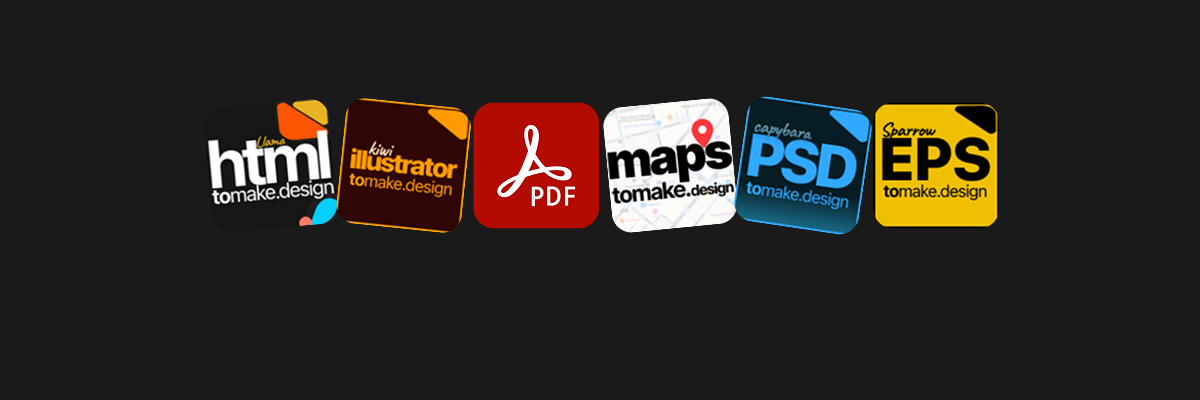
Websites, PDFs, Photoshop, Illustrator and EPS files into Figma
as fully editable layers — free, private, and ready in seconds.

⊕ Resources

Setup, walkthroughs, and tips
for every plugin we ship.

Read the docs

Open to all

Shape the roadmap.
Help us build better tools.

Every feature we ship started as a conversation with designers in our Discord. Drop in, file feedback, or just see what others are making.

Frequently asked

Questions.

Is tomake.design the same as tofig.design?
Yes. We rebranded from tofig.design to tomake.design. Every plugin that lived on a tofig.design subdomain is now on the matching tomake.design one, and the old links still work.
Which file formats can I bring into Figma?
Five, one plugin each: websites and HTML/CSS, PDF documents, Adobe Photoshop files (.psd, .psb), Adobe Illustrator files (.ai, .eps), and Encapsulated PostScript (.eps).
Are the plugins really free?
Yes. All five are free to install and free to use, with no trial, no credit card, no signup and no import limit.
Can I import AI-generated code into Figma?
Yes. The html.tomake.design plugin works with code from ChatGPT, Claude, v0, Bolt, Lovable and other AI coding tools. Paste the HTML and CSS straight into the plugin.
Does my file get uploaded anywhere?
The pdf.tomake.design plugin processes documents locally on your device, so they are never uploaded to a server.
Where do I find the plugins on Figma Community?
All of them are published at figma.com/@tomakedesign, and each plugin page on this site links straight to its Community listing.
How do I get support or report a problem?
Email [email protected], or join the Discord community linked in the footer to get help and share feedback.

Start now

Anything to Figma.
Free.

Install takes 10 seconds. First import takes 10 more. No signup required.